
How to Complete the Free & Reduced Meal Application Online for the 2026–2027 School Year
Posted Date: 07/27/26 (08:41 AM)
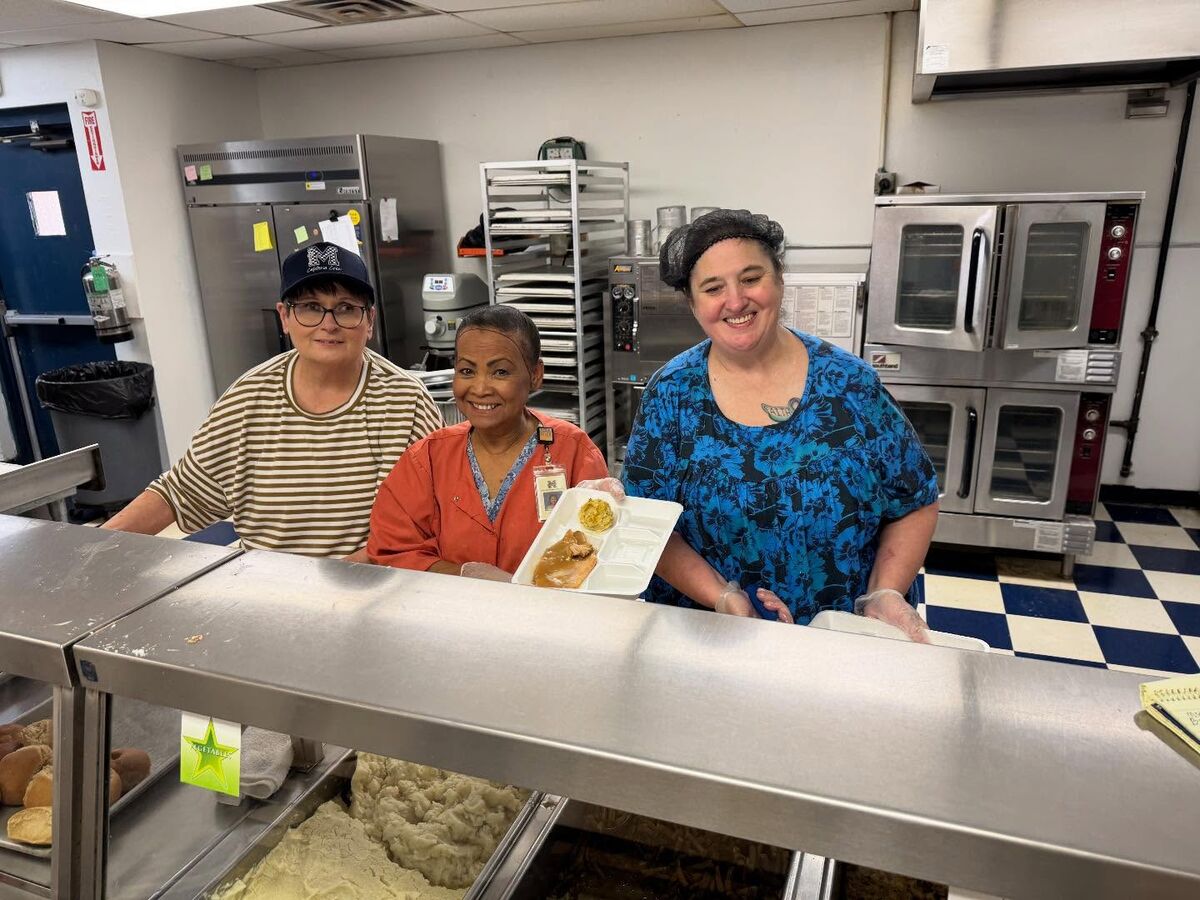 As we approach the beginning of the 2026-2027 school year, Marlow Public Schools encourages families to complete the Free & Reduced Meal Application online through the Student Records Portal. Please see the instructions below.
 Steps to Complete the Application
- Visit the Marlow Public Schools website.
- Click Popular Links.
- Select Gradebook.
- Log in to your parent or student account.
- Click Student Records Portal.
- Select Fill and Upload Application.
- Complete all required sections of the application.
- When finished, click the green checkmark at the top of the page to submit your application.
Important Information for Pre-K and Early Elementary Families
Students who are:- New to Pre-K,
- Moving from Pre-K to Kindergarten, or
- Moving from Kindergarten to 1st Grade
If you have any questions or need assistance, please contact the Child Nutrition Office.